Squarespace review
8.4Pick it when the site must look considered and you do not want to make design decisions.
| Ease of use | 8.6 | |
|---|---|---|
| Design | 9.5 | |
| Flexibility | 7.4 | |
| Value | 7.8 | |
| Support | 8.2 |
What's good
- Best-looking templates without design work
- Strong built-in blog and scheduling
- Sensible defaults produce a good site fast
What's not
- No free tier beyond the trial
- Less layout freedom than Wix
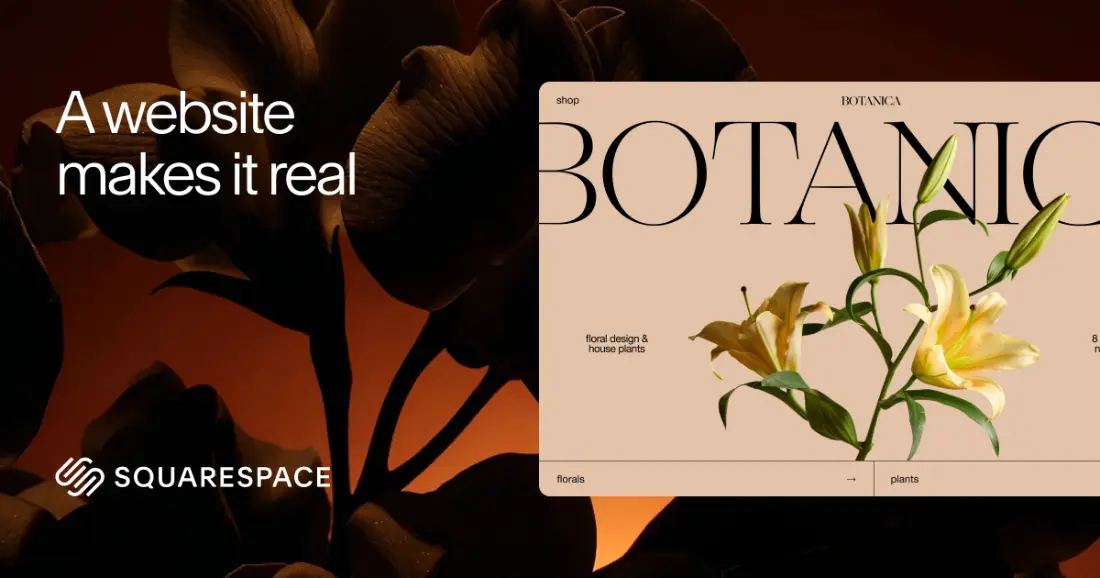
Squarespace is the builder for people who care how their site looks but do not want to be the designer. Its templates are the most polished in this category, and the defaults are sensible enough that a site built in an afternoon usually looks considered rather than assembled.
The price of that polish is structure. Squarespace decides a lot for you, from spacing to how sections stack, and it charges more than the entry-level competition. For a portfolio, a restaurant or a service business that is a good trade. For someone who wants to place every element by hand, it will feel restrictive.
Card rates fall only at the top
Squarespace Payments charges 2.9% + $0.30 per standard card on Basic and Core, 2.7% on Plus and 2.5% on Advanced. International cards add 1.5% and currency conversion another 1%. Plus and Advanced only pay for themselves through these lower rates once your volume is substantial, so most small businesses should stop at Core.
What Core adds besides the fee
Core is where Squarespace stops holding back. You get unlimited contributors instead of two, advanced analytics, full CSS and JavaScript customisation through code injection, a professional email address through Google Workspace, discounts, shipping labels and carrier-calculated shipping. For a business site with any selling at all, Core is the default choice and Basic is the exception.
Design: strong defaults, firm limits
Squarespace templates are designed as complete systems: typography, colour and spacing are set once in site styles and applied everywhere. That is why sites look consistent, and also why moving one element a few pixels is harder than on Wix. The CSS editor is available on every plan if you want to override something, but the platform rewards people who work with its structure rather than against it.
AI and video limits by plan
The newer AI tools are metered: Basic gets 10 AI credits once, Core 20 a month, Plus 40 and Advanced 120. Video storage is similarly tiered, from 30 minutes on Basic to five hours on Core and 50 on Plus. Neither matters for a typical small site, but both are worth checking if video or AI-generated content is central to what you plan to do.
Pricing
From $19/mo · Squarespace pricing
Who it's for
Portfolios, restaurants, studios and service businesses where visual quality is the point and the structure is conventional. If the site is mostly pages, images and a booking or contact path, this is the shortest route to something that looks professional.
Who it isn't for
Sites needing unusual layouts, heavy custom functionality or a large catalogue. The template does most of the work, which is the benefit until it becomes the ceiling.
Limits worth knowing
- No free plan beyond the 14-day trial
- Less layout freedom than Wix by design
- A 2% transaction fee on online store sales on the Basic plan
- Digital content and memberships carry their own fee on every plan below Advanced
Questions people ask
Squarespace or Wix?
Squarespace if the site should look designed and the structure is conventional. Wix if you need specific layouts, a particular integration, or a free plan to start on. Squarespace wins on default quality, Wix on flexibility and reach.
Does Squarespace charge transaction fees?
On the Basic plan, 2% on online store sales on top of card processing. Core, Plus and Advanced charge no store transaction fee. Digital content and memberships are charged separately: 7% on Basic, 5% on Core, 1% on Plus and 0% on Advanced.
Can I use my own code?
Custom CSS is available on every plan. Code injection, advanced code blocks and full JavaScript customisation start on Core. You are styling and extending a Squarespace site, not replacing its structure.
Is there a free plan?
No. There is a 14-day trial, then a paid plan is required to keep the site live. Budget for the subscription from day one.
The bottom line
For a design-led small business, Squarespace on the Core plan is excellent value: it looks good by default, sells without a platform fee, and gives you full code access if you ever need it. Skip Basic unless you are not selling anything.
Look elsewhere if you want pixel-level layout freedom, which Wix or Webflow give you, or if commerce is the business itself, where Shopify's depth wins.
Sources
Read next
Compare
All reviews
Some links on PlatformZoo are affiliate links, so we may earn a commission if you sign up, at no extra cost to you. That never affects a score: every tool is scored on the same rubric before any link is added.